Custom Colors
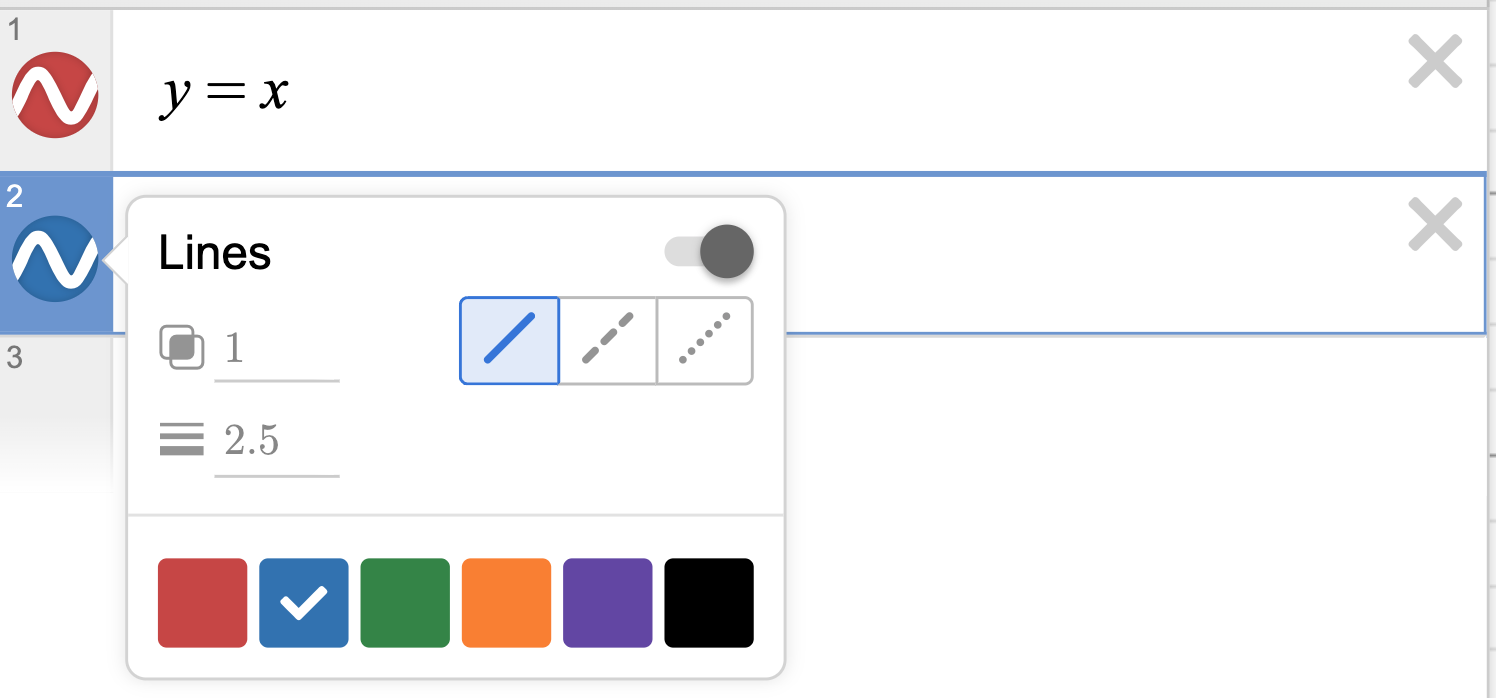
Desmos provides several standard colors, but custom colors can also be defined and applied to graphs and labels.
Defining a color
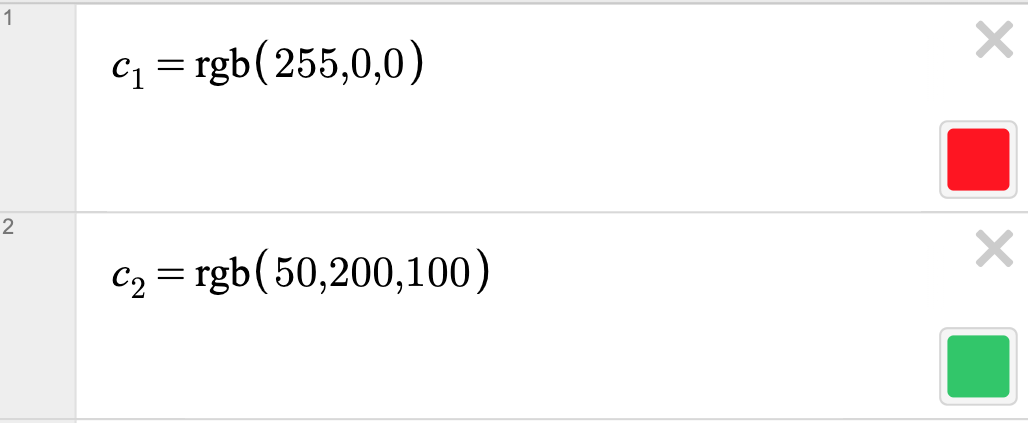
rgb(Red, Green, Blue)
Specify the red, green, and blue components from to .
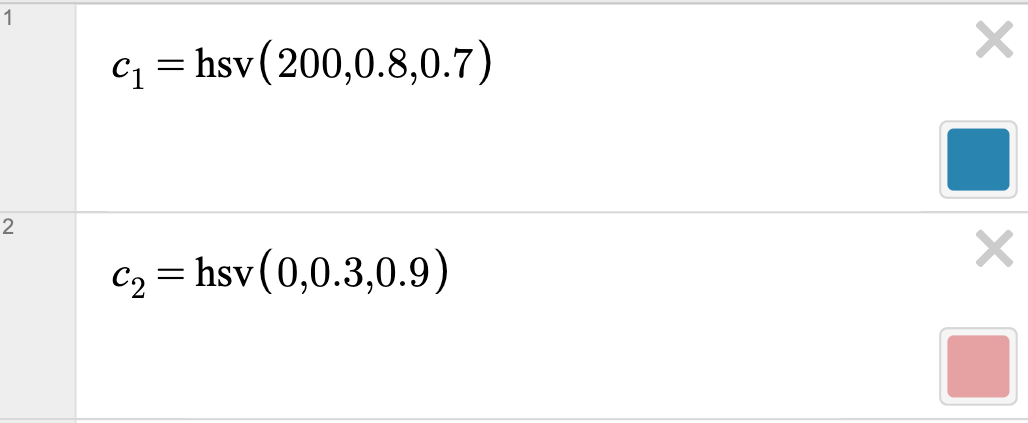
hsv(Hue, Saturation, Value)
Hue ranges from to ; saturation and value range from to .
Using a custom color
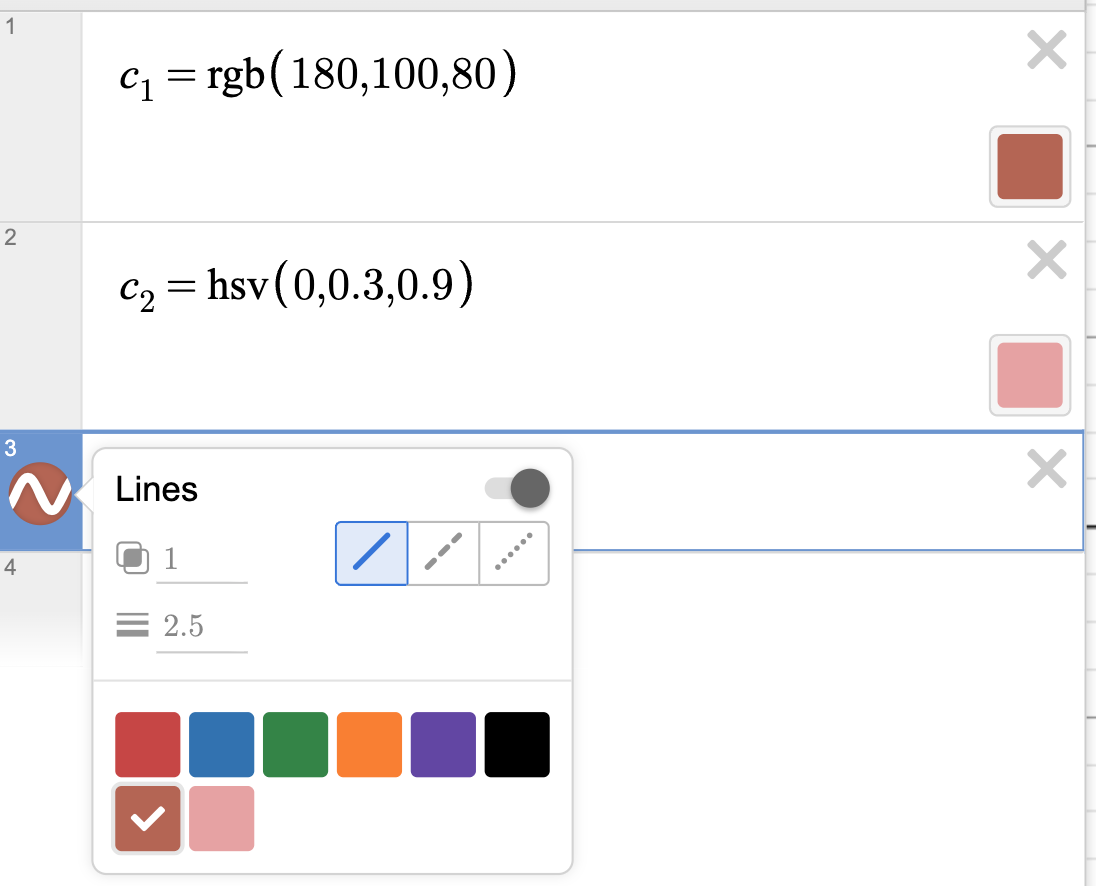
Assign the color to a variable to add it to the expression color menu. A color that is not stored in a variable does not appear as an option.
Colors that depend on variables
The arguments of rgb() and hsv() may contain variables, so the color can change with a slider. Braces can provide conditional colors.
1
2
Loading graph…
Lists of colors
Lists and for can generate many colors for list-based graphs.
1
2
3
Loading graph…
A larger color list can reproduce a gradient.
1
2
3
4
Loading graph…